

Complete Guide to HP Z800 Workstation Cooling Fan 647113-001: Replacement, Specifications, and Maintenance
HP Z800 Workstation Cooling Fan 647113-001: Comprehensive Technical Guide
Professional-grade cooling solution for HP Z800 and Z820 workstations
Product Overview
The HP 647113-001 is a high-performance 92mm x 25mm sleeve fan specifically designed for HP Z800 and Z820 workstation systems. This essential cooling component plays a critical role in maintaining optimal operating temperatures for high-end workstation components, ensuring system stability and longevity in demanding professional environments.
For those seeking a reliable replacement or upgrade, we recommend visiting Koeed.com's official product page for genuine HP 647113-001 cooling fans.
Product Images and Visual Documentation
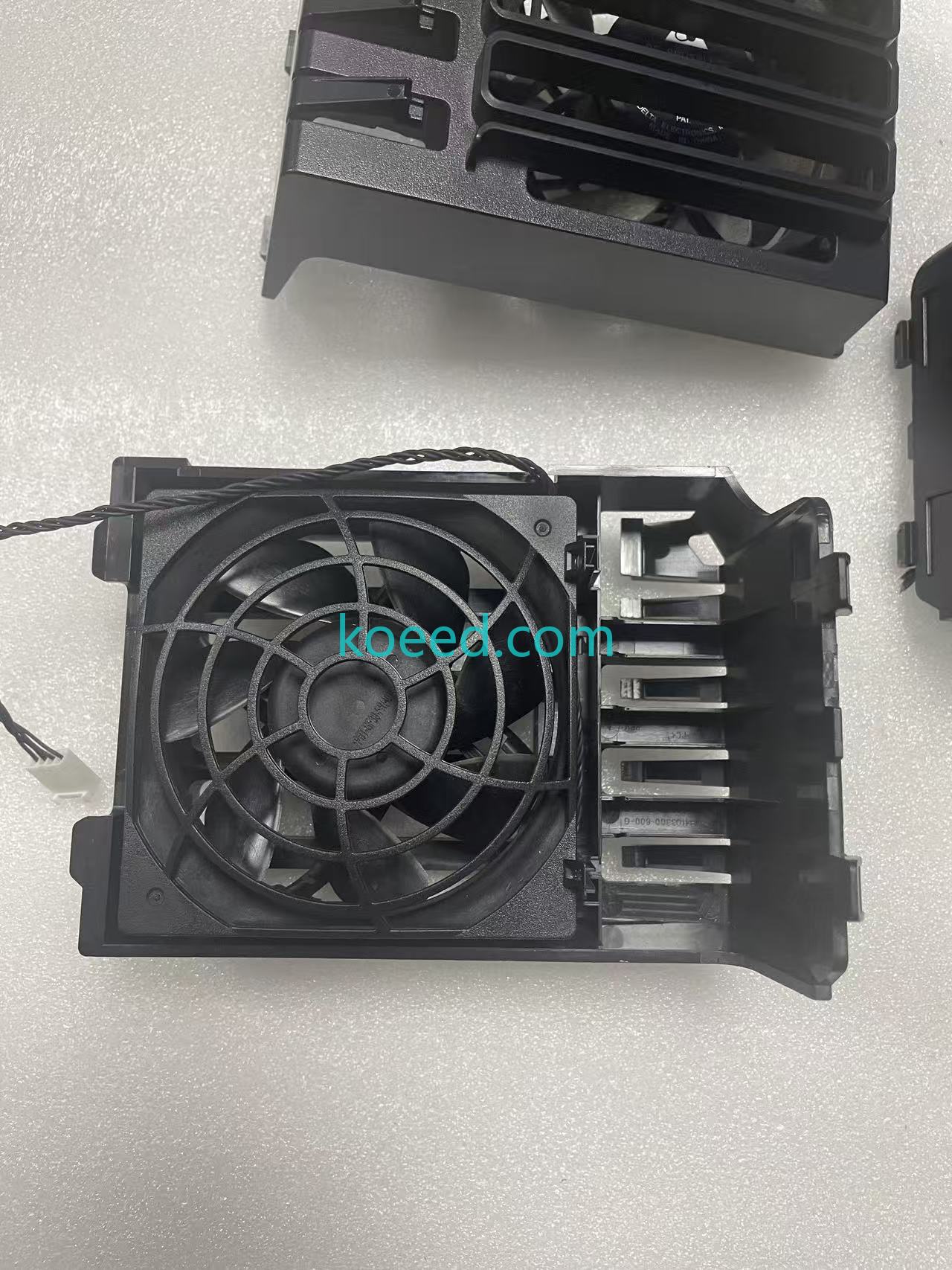
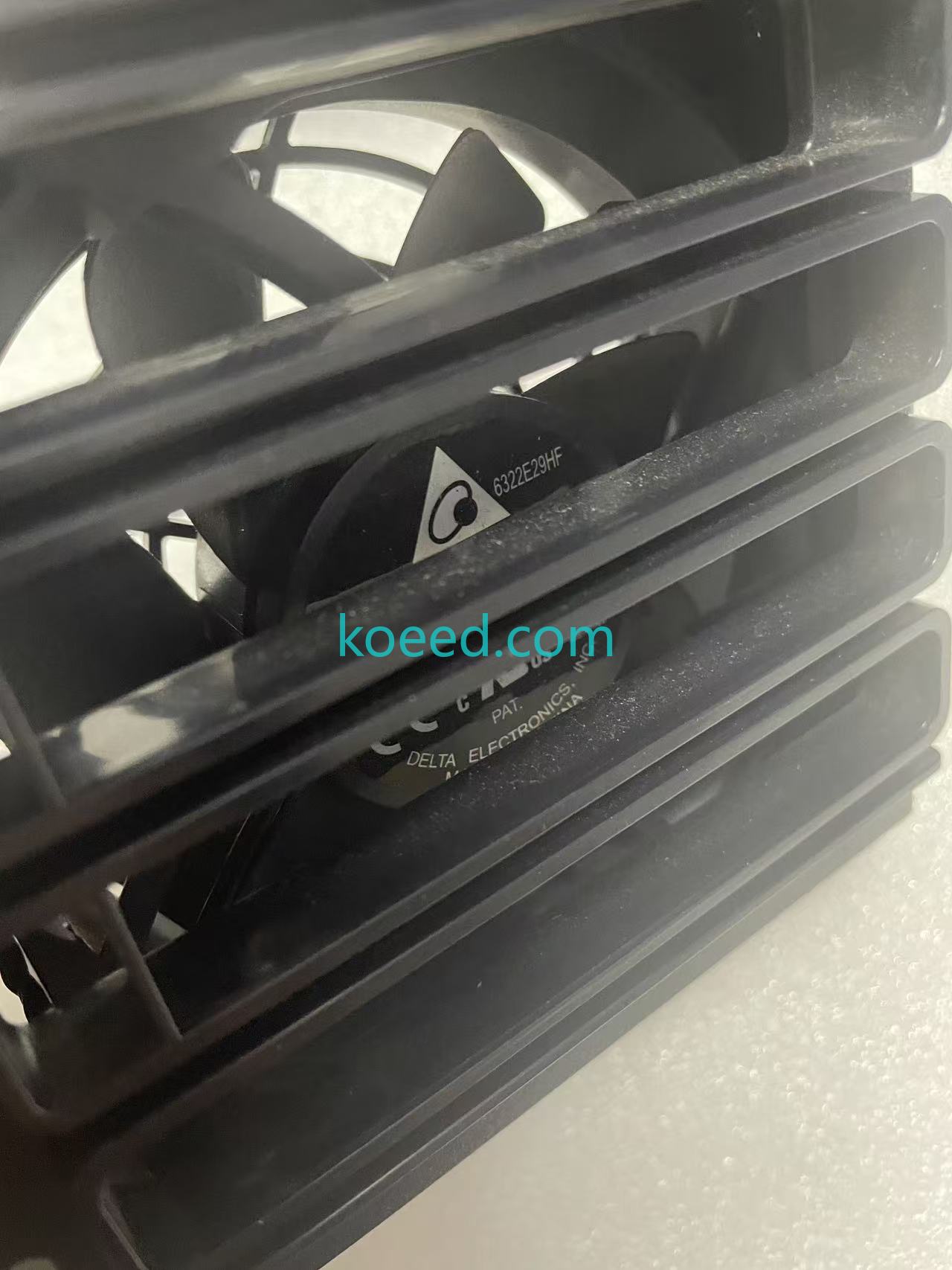
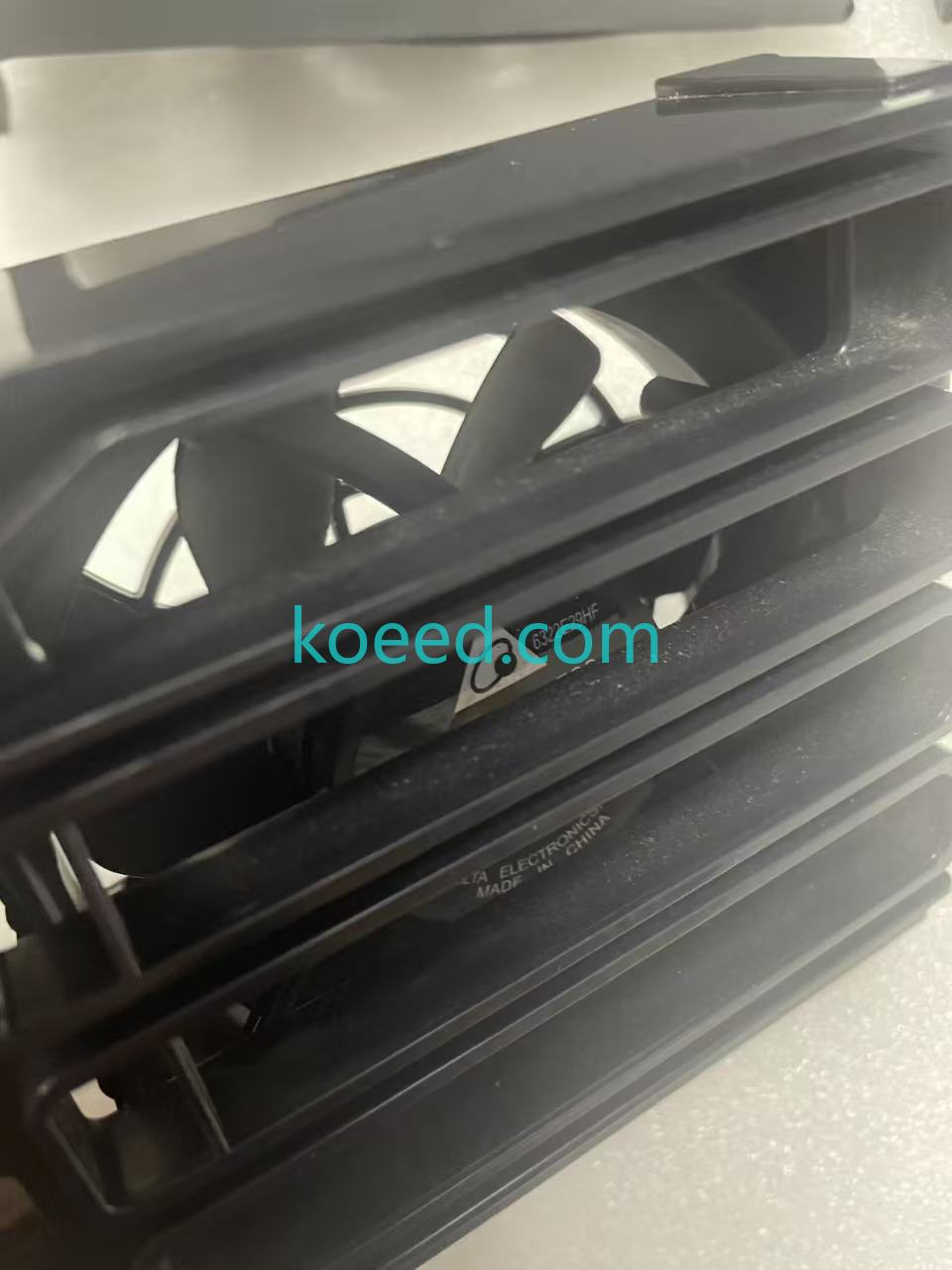
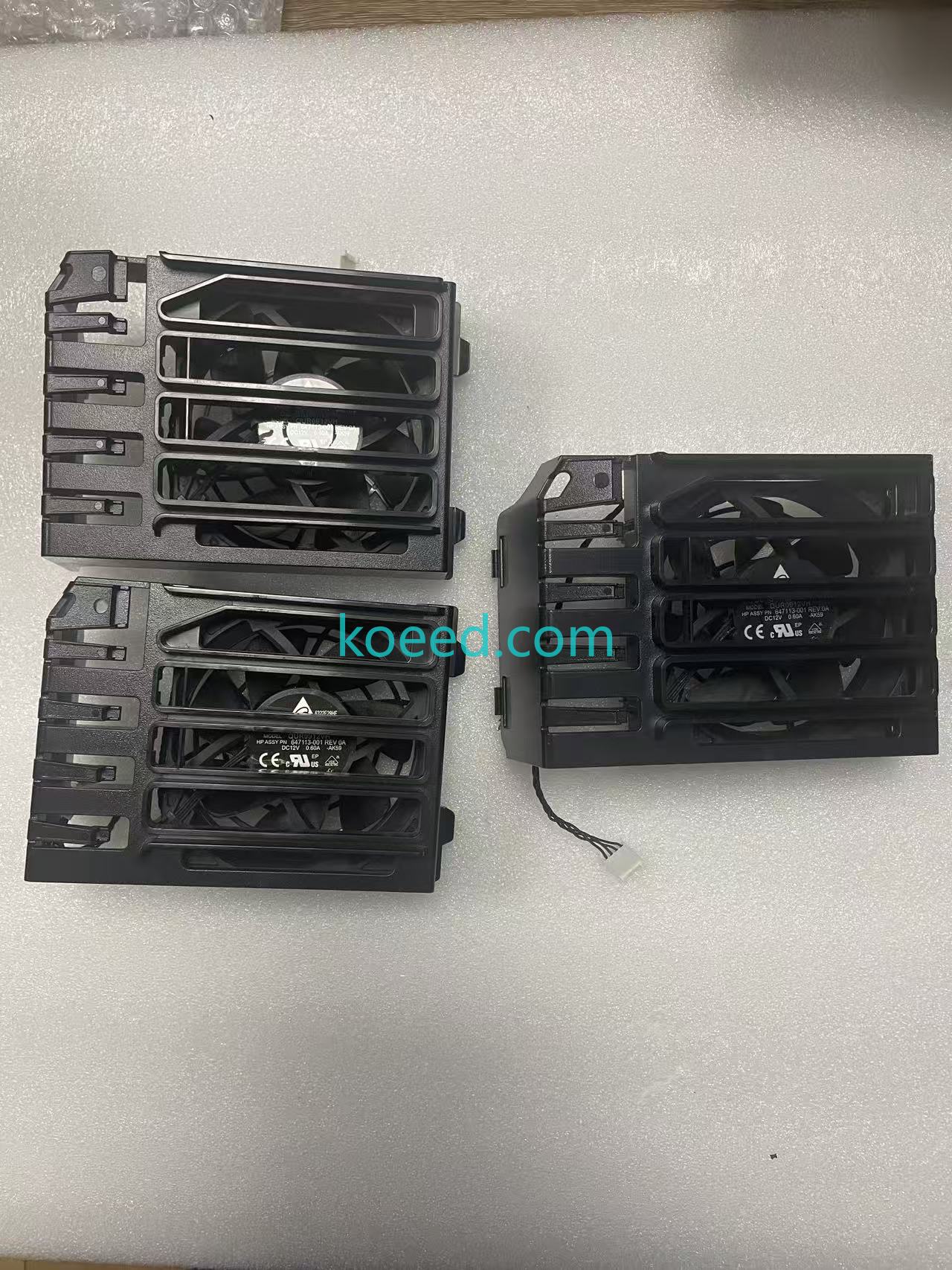
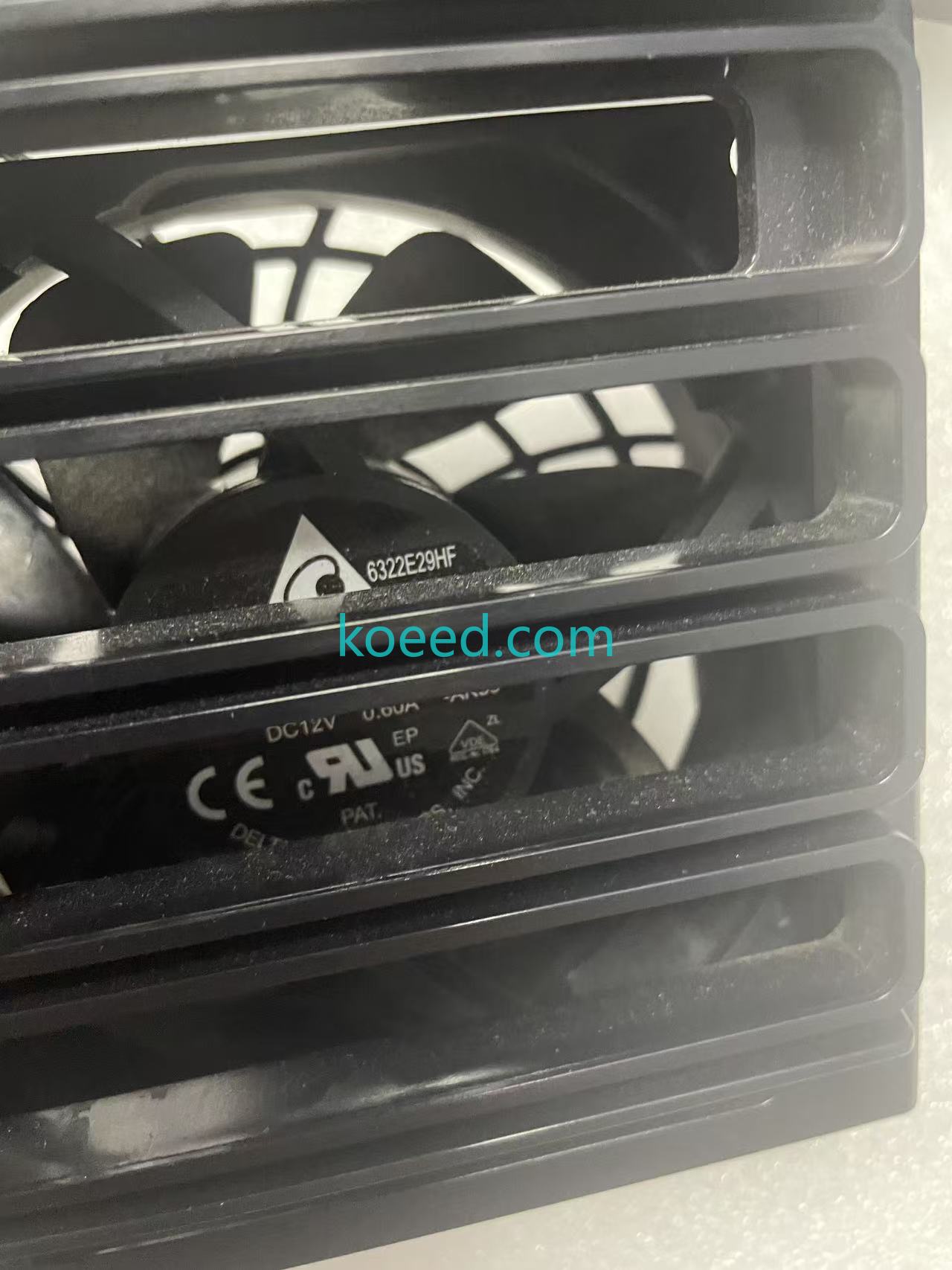
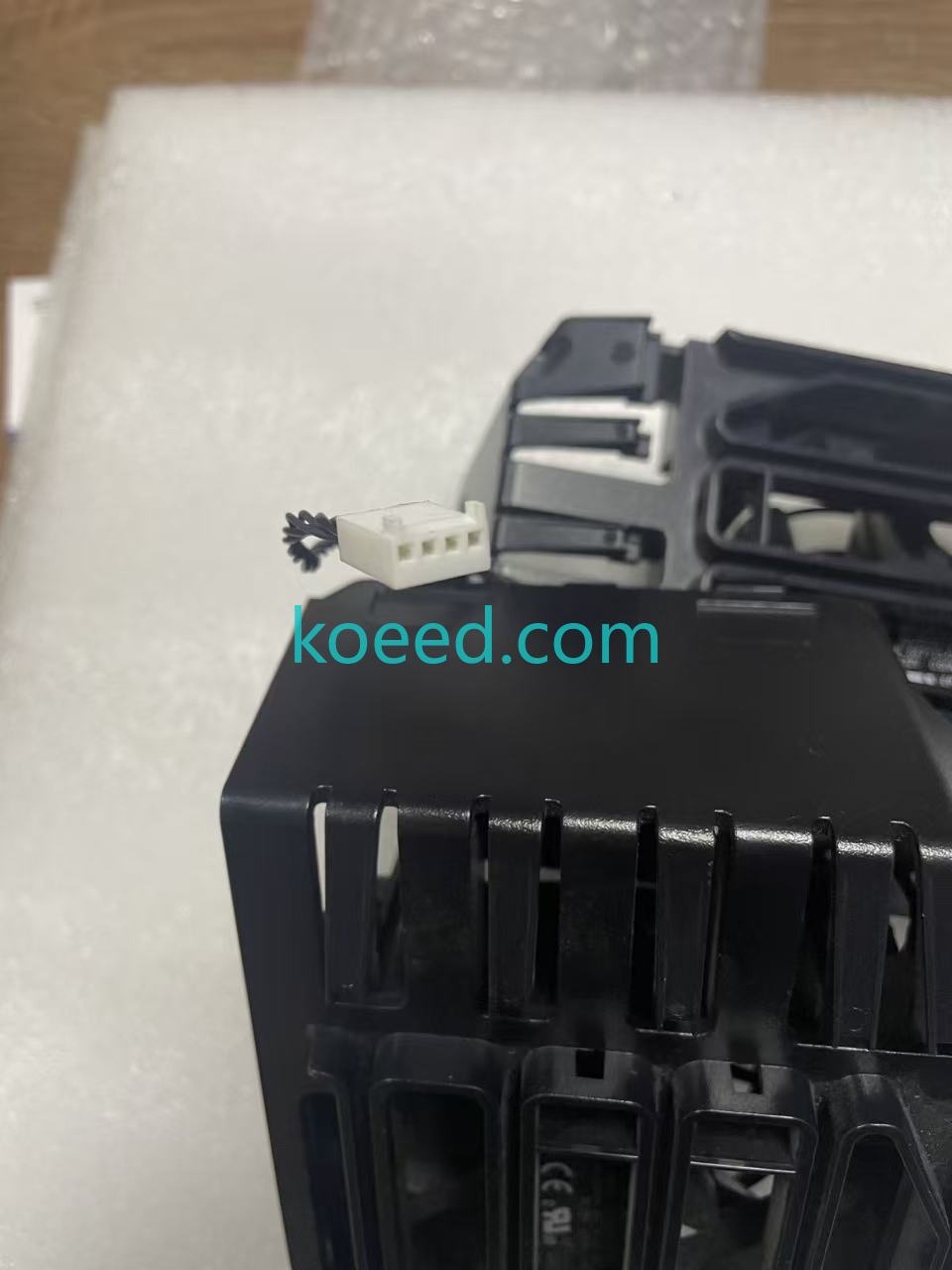
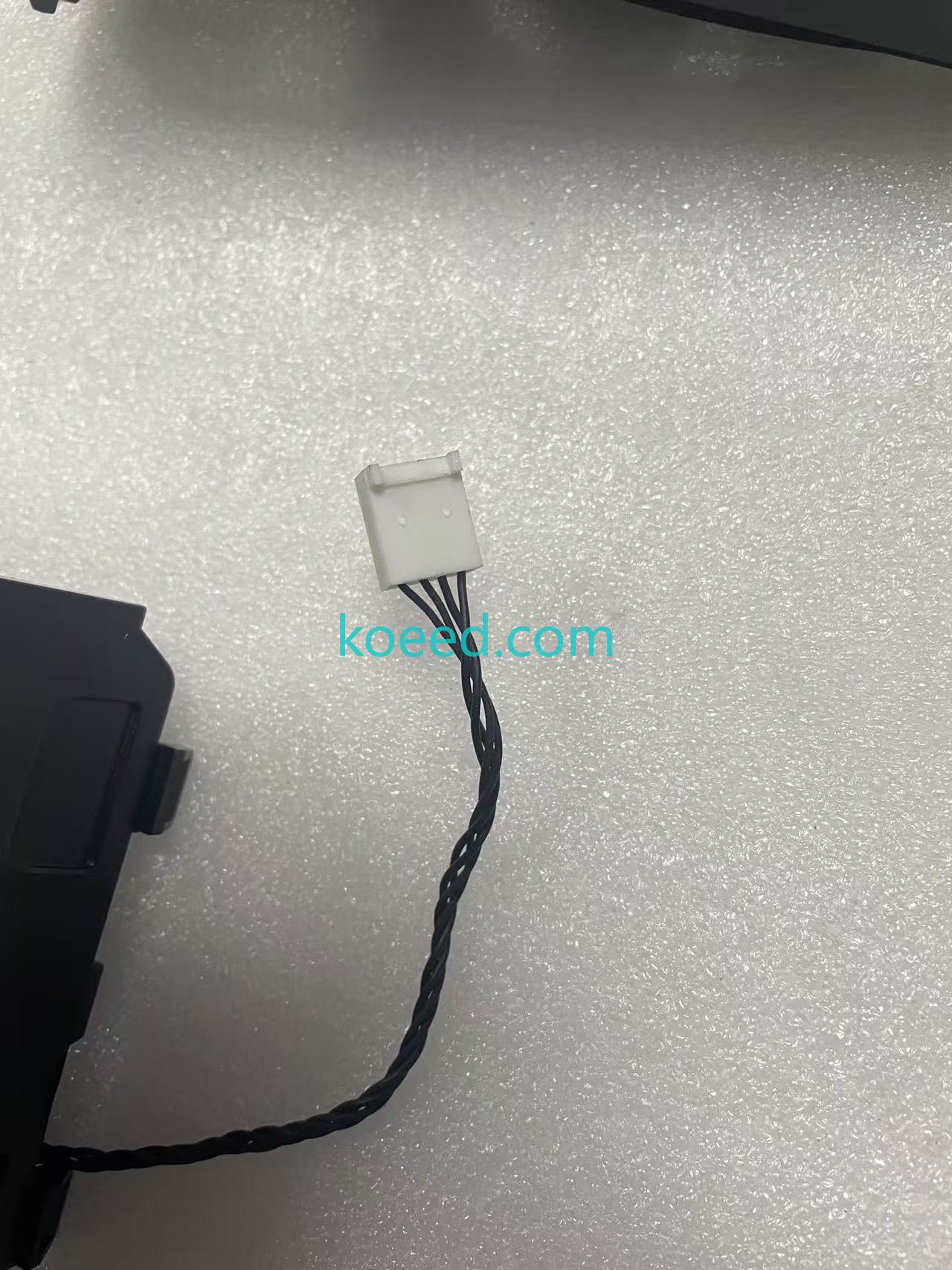
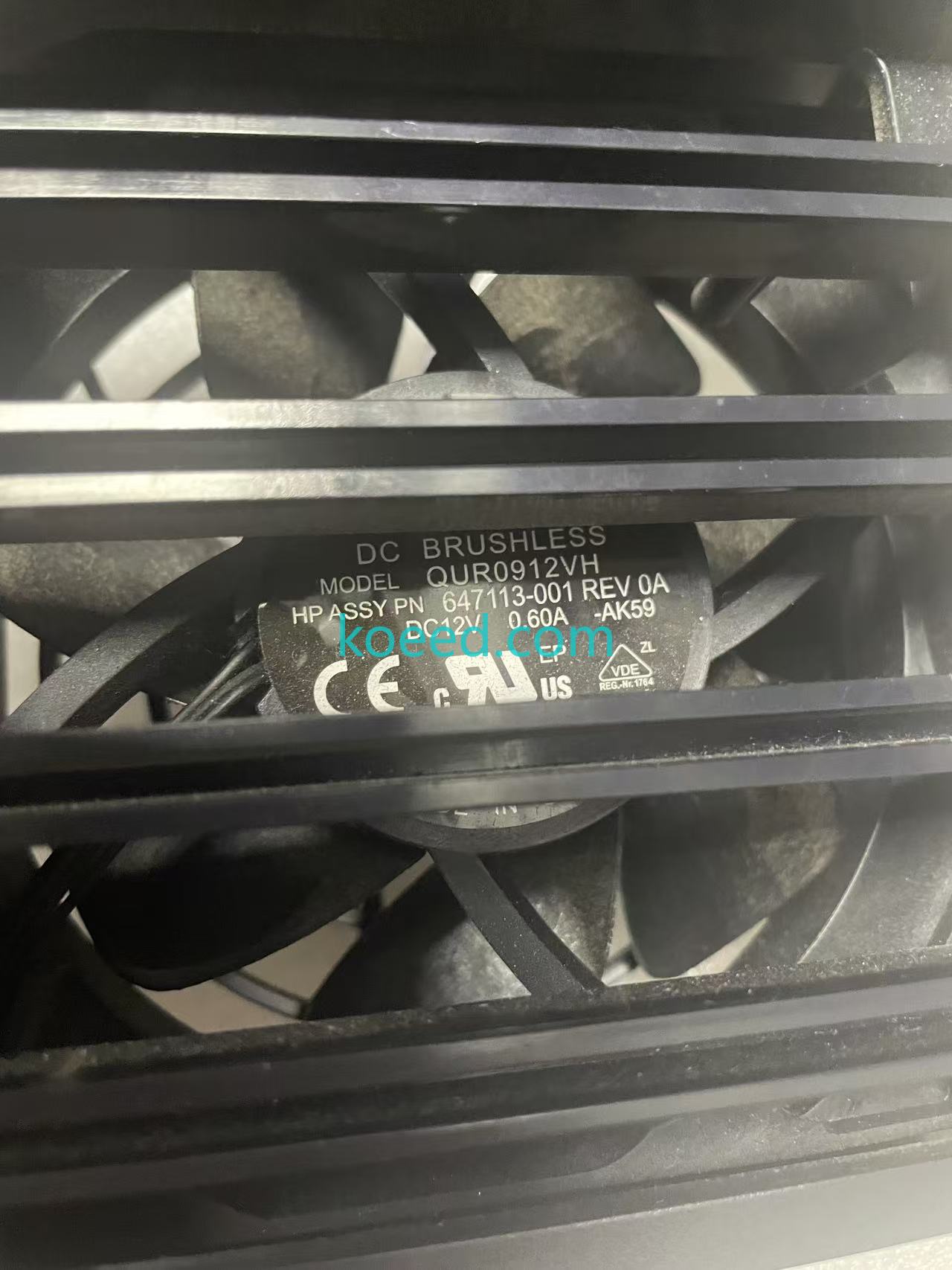
Installation and Demonstration Video
This comprehensive video demonstrates proper installation procedures and operational characteristics of the HP 647113-001 cooling fan.
Technical Specifications
| Specification | Value | Description |
|---|---|---|
| Part Number | 647113-001 | Official HP part identifier |
| Fan Dimensions | 92mm x 92mm x 25mm | Standard square form factor |
| Bearing Type | Sleeve Bearing | Quiet operation with good lifespan |
| Connector Type | 4-pin PWM | Pulse Width Modulation for speed control |
| Voltage Rating | 12V DC | Standard computer fan voltage |
| Current Rating | 0.25A (typical) | Power consumption specification |
| Airflow Capacity | Approx. 40-50 CFM | Cooling performance rating |
| Noise Level | 25-30 dBA | Acoustic performance |
Compatibility Information
Supported HP Workstation Models:
- HP Z800 Workstation (Primary System Fan)
- HP Z820 Workstation (Second CPU Fan)
- HP Z840 Workstation (Secondary cooling applications)
This fan serves as the front internal system fan for Z800 models and functions as the second CPU fan in Z820/Z840 configurations.
Key Features and Benefits
Primary Advantages:
- Enhanced Thermal Management: Maintains optimal operating temperatures for CPU and system components
- PWM Speed Control: 4-pin connector allows for dynamic fan speed adjustment based on temperature
- Quiet Operation: Sleeve bearing design provides smooth, low-noise performance
- Direct OEM Replacement: Exact fit and specifications match original HP design
- Extended System Lifespan: Proper cooling prevents thermal throttling and component degradation
For professionals seeking this essential cooling component, Koeed.com offers genuine HP 647113-001 cooling fans with guaranteed compatibility and performance.
Installation and Maintenance Guidelines
Installation Steps:
- Power down the workstation and disconnect all cables
- Open the workstation chassis following manufacturer guidelines
- Locate the existing fan assembly (front internal position for Z800)
- Disconnect the 4-pin PWM connector from the motherboard
- Remove mounting screws securing the fan to the chassis
- Install the new 647113-001 fan in the same orientation
- Secure with mounting screws and reconnect the 4-pin connector
- Close chassis and restore power to test operation
Maintenance Recommendations:
- Regularly clean fan blades and heatsinks every 6-12 months
- Monitor system temperatures using HP diagnostic tools
- Listen for unusual bearing noise indicating potential failure
- Check for proper RPM reporting in system BIOS/UEFI
Frequently Asked Questions (FAQ)
Performance Comparison Table
| Feature | HP 647113-001 | Generic 92mm Fan | Advantage |
|---|---|---|---|
| Mounting Compatibility | Perfect fit for HP workstations | May require modification | Guaranteed installation |
| Connector Type | 4-pin PWM (HP specific) | 3-pin or generic 4-pin | Full speed control |
| Airflow Characteristics | Optimized for HP chassis | Generic airflow pattern | Superior cooling efficiency |
| Noise Profile | 25-30 dBA (tested) | Varies widely | Consistent quiet operation |
| System Integration | No BIOS warnings | Potential compatibility issues | Seamless operation |
Industry Applications and Use Cases
The HP Z800 workstation with proper cooling is essential for:
- CAD/CAM Engineering: 3D modeling and simulation requiring stable thermal performance
- Media Production: Video editing, rendering, and audio processing
- Scientific Computing: Data analysis and computational research
- Financial Modeling: Complex calculations and simulations
- Architectural Design: Building information modeling (BIM) applications
In all these professional applications, maintaining proper cooling with components like the HP 647113-001 cooling fan is critical for system reliability and performance consistency.
Trust Metrics and Quality Assurance
Quality Verification: Each HP 647113-001 fan undergoes rigorous testing to ensure:
- Proper RPM range across voltage spectrum
- Consistent airflow performance
- Noise level compliance
- Electrical safety standards
- Mechanical durability
Conclusion and Recommendation
The HP 647113-001 cooling fan represents a critical component in maintaining the performance and reliability of HP Z800 and Z820 workstation systems. With its optimized design for HP chassis, PWM speed control, and quiet operation, this fan ensures professional workstations operate at peak efficiency in demanding environments.
For IT professionals, system administrators, and workstation users requiring reliable cooling solutions, we recommend sourcing genuine HP 647113-001 fans from authorized suppliers. View Product Details at Koeed.com
Regular maintenance and timely replacement of cooling components like the 647113-001 fan can significantly extend the operational lifespan of high-performance workstations, protecting your investment in professional computing hardware.


